Master public health concepts at your desk, on the bus, and in class.

The HEAL Learning Lab offers a variety of ways to engage with and master public health content. From gamified classroom activities, interactive lectures, to course reading modules with narrated walkthroughs. These resources are evidence-based, mutually-reinforcing, and designed to help you learn the content you need to heal the communities you serve.
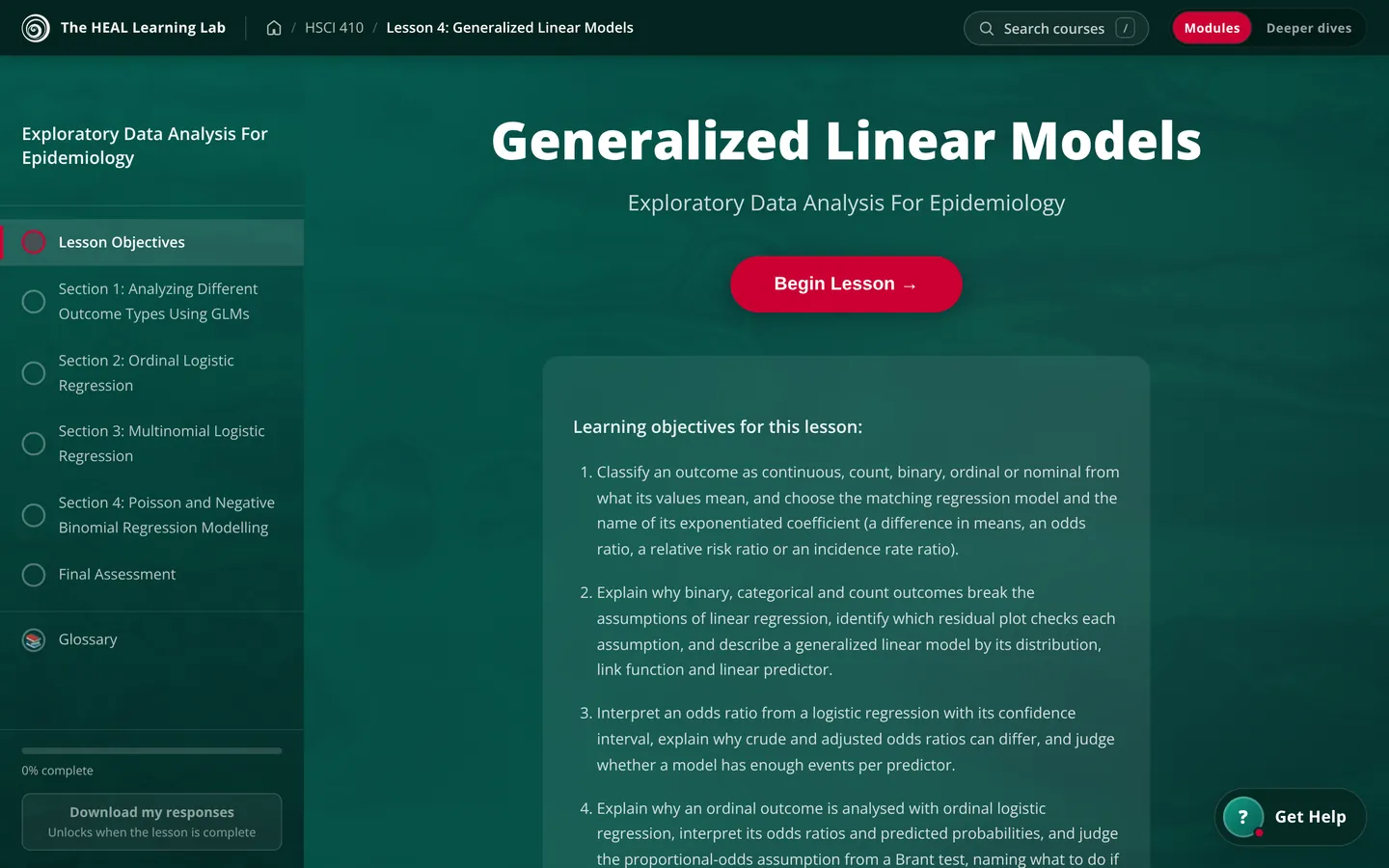
The opening page of a lesson on generalized linear models, with the lesson's sections listed down the left
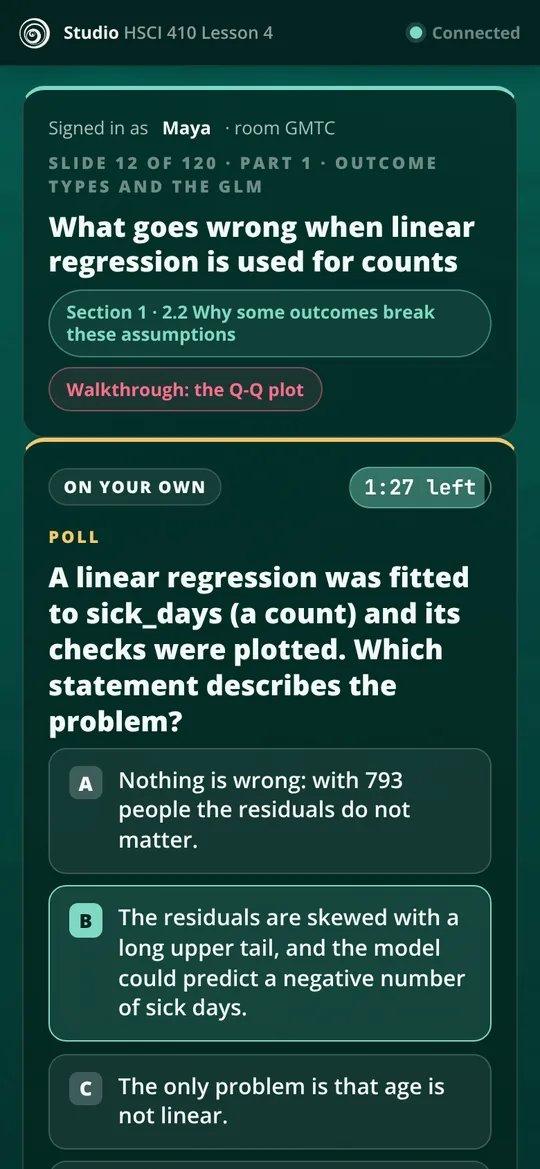
A Studio question on a student's phone, with an answer chosen

A week in HSCI 410

Here’s how one course fits together, from Monday’s reading to review before the exam. The pictures are real screens from Exploratory Data Analysis for Epidemiology.

  1. Before class

    Read the module, then quiz yourself

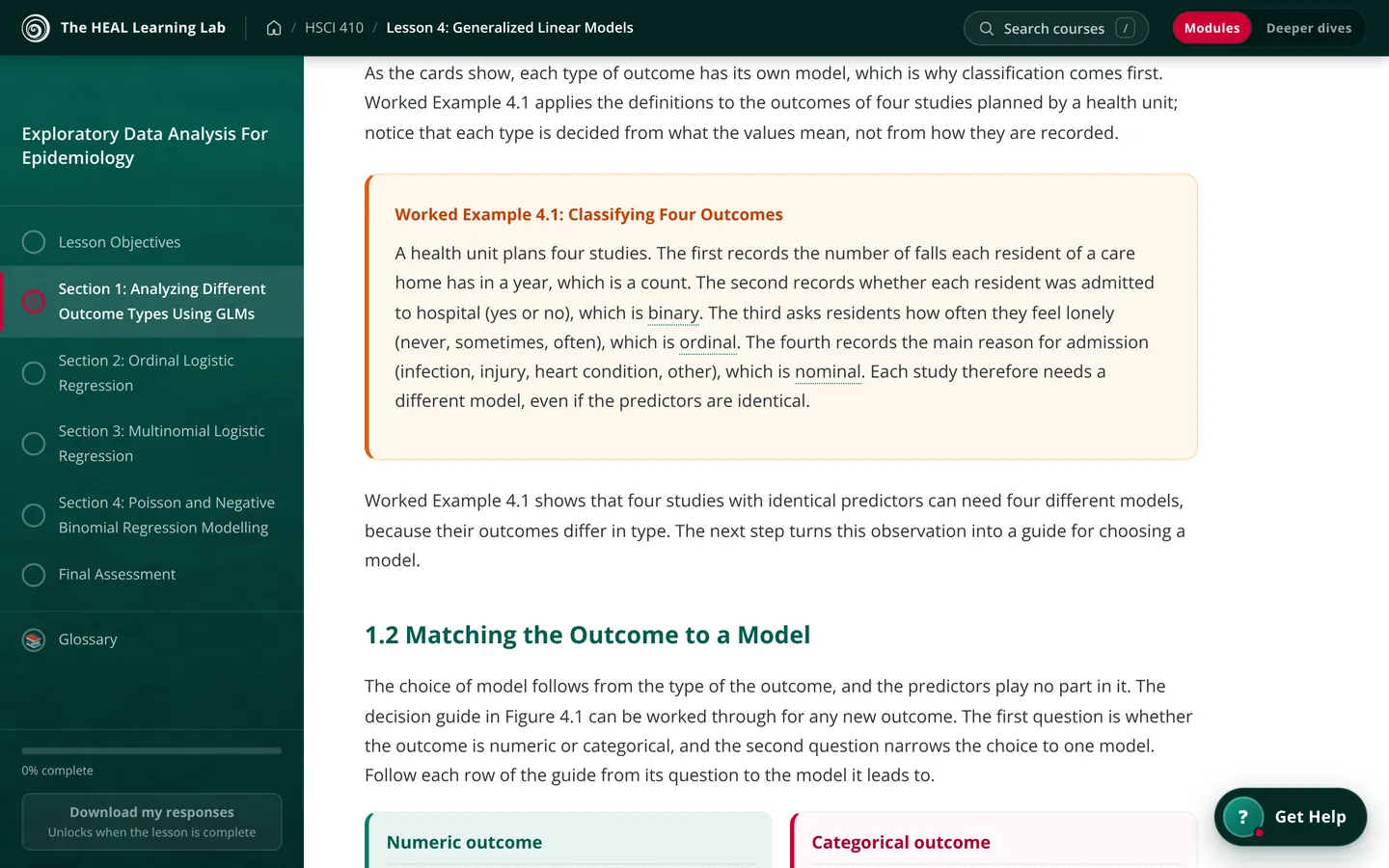
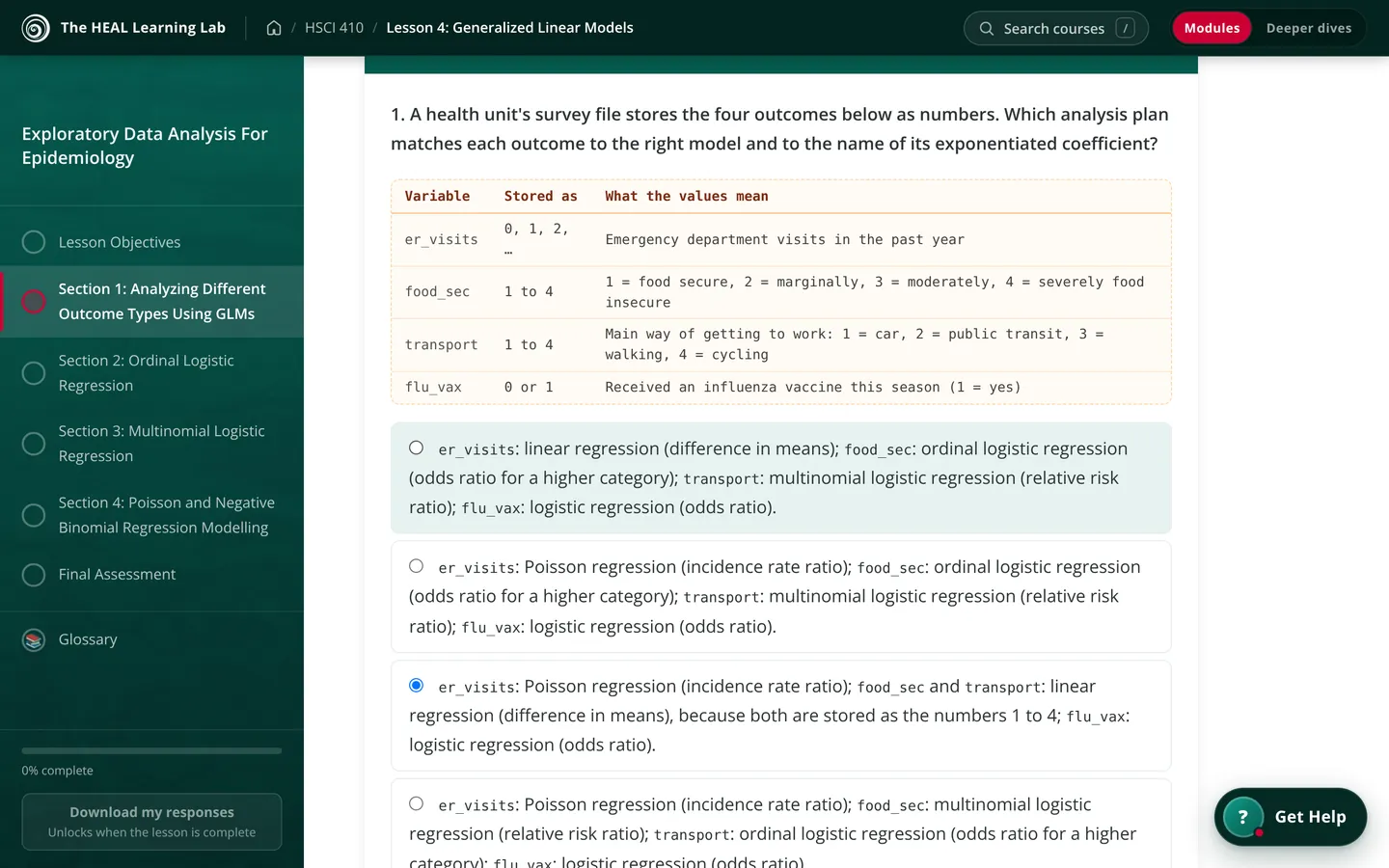
    Each lesson is written to be read on a screen. Worked examples sit right beside the ideas they explain, key terms link to a glossary, and every section ends with a short quiz that explains the answer whether you got it or not.

    Stuck late at night? Lewis, the study helper in the corner of the page, finds the passage that answers your question and takes you to it.

    Open the HSCI 410 modules
    A worked example in the lesson: four studies, each with a different kind of outcome A section quiz in the lesson, asking which model fits each of four outcomes The opening page of the lesson with its learning objectives
  2. After the reading

    Build the skills with an R walkthrough

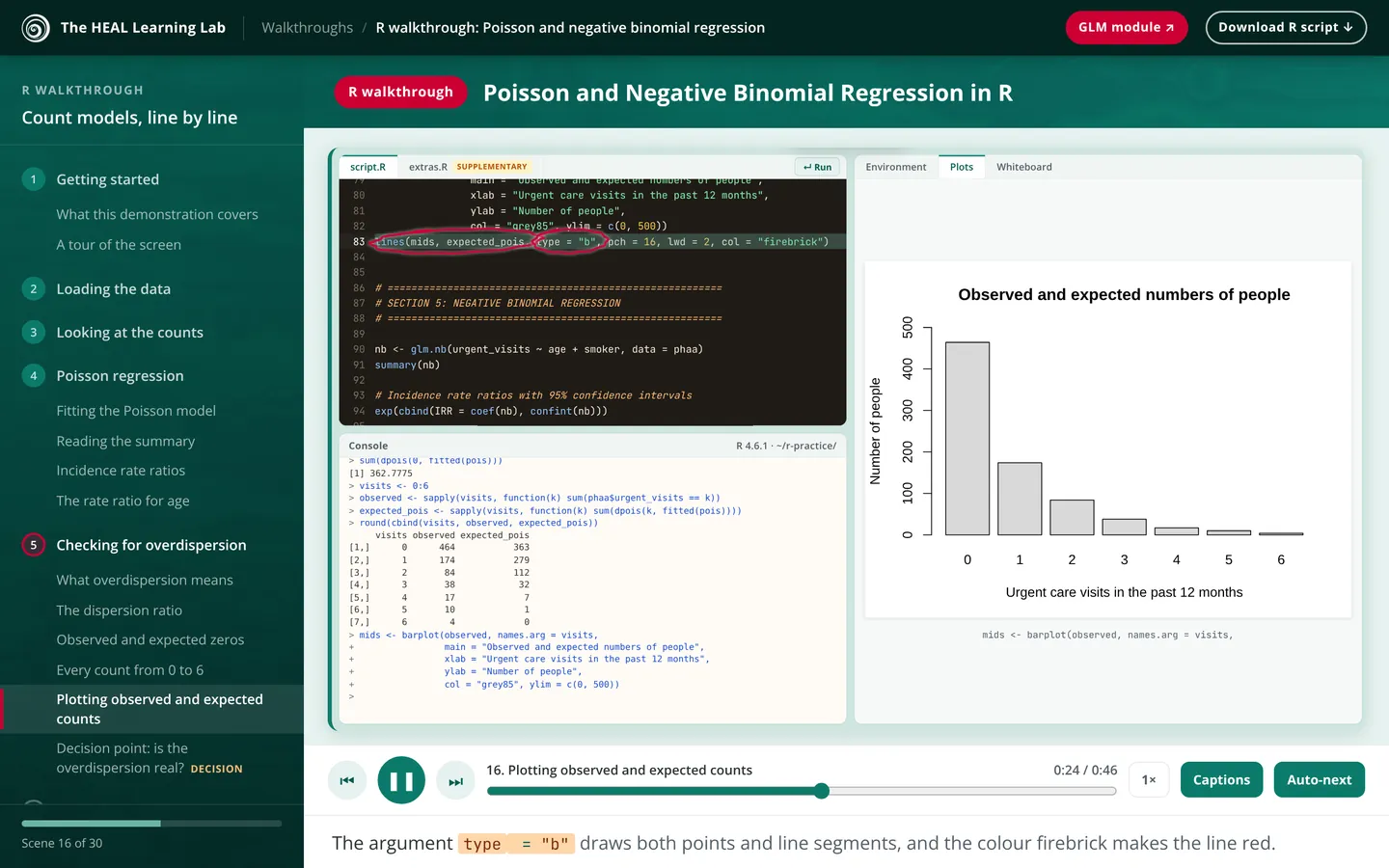
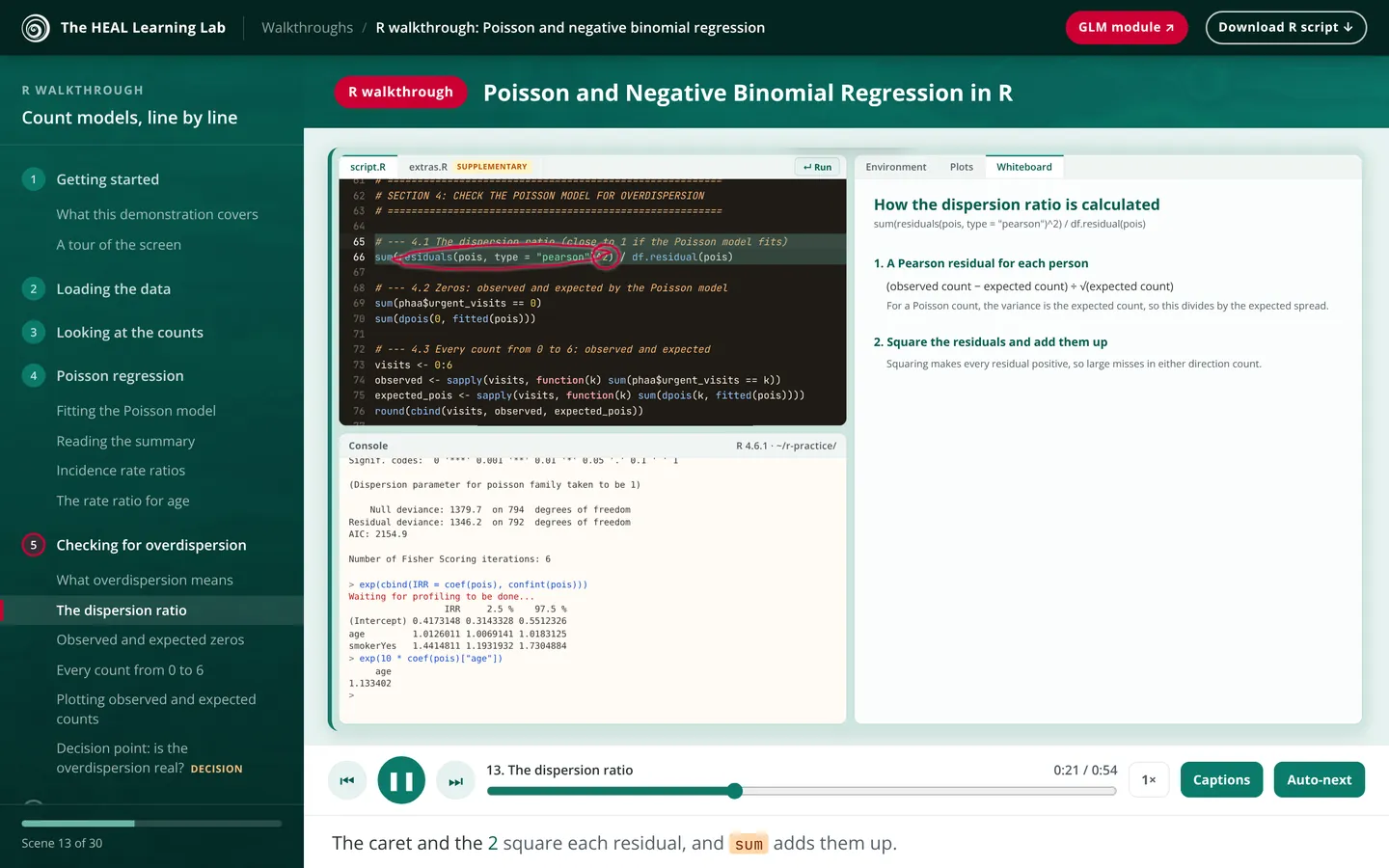
    The walkthroughs are where the reading turns into something you can do. Each one is a narrated demonstration of a real analysis, run line by line in R, from loading the data to reading the output and checking the model, with every argument explained as it appears.

    Pause it, jump to the step you need, or download the script and run it alongside in your own copy of R. They follow the HSCI 410 lessons, from cleaning data and regression to mixed models, measurement, mediation and survival analysis.

    Browse the R walkthroughsTry the count models walkthrough
    An R walkthrough on count models, with the script running and a plot of observed and expected counts The same walkthrough explaining, step by step, how the dispersion ratio is calculated from the code on screen
  3. In class

    Answer from your seat in Studio

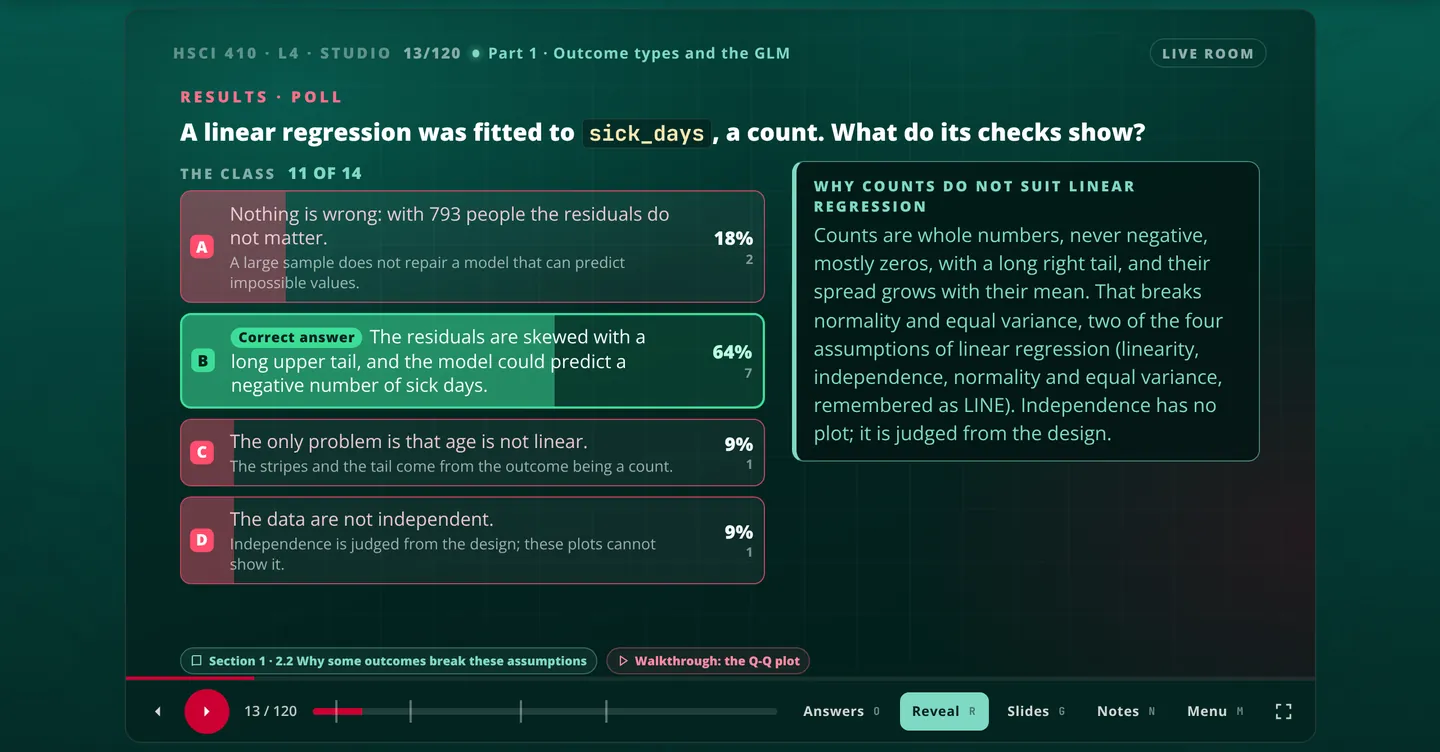
    During studio time the deck is on the big screen and the same question is on your phone. Everyone answers, the room’s answers come up, and only then does the solution appear. It’s a quick, low-stakes way to see what the whole class is unsure about.

    Miss a class and you can work through the deck on your own, with a recorded walkthrough.

    See the HSCI 410 Studio decks
    A Studio slide showing how the class answered a question about residual plots, with the correct answer marked
    The same question on a student's phone, with an answer chosen
  4. In the computer lab

    Race the room in R

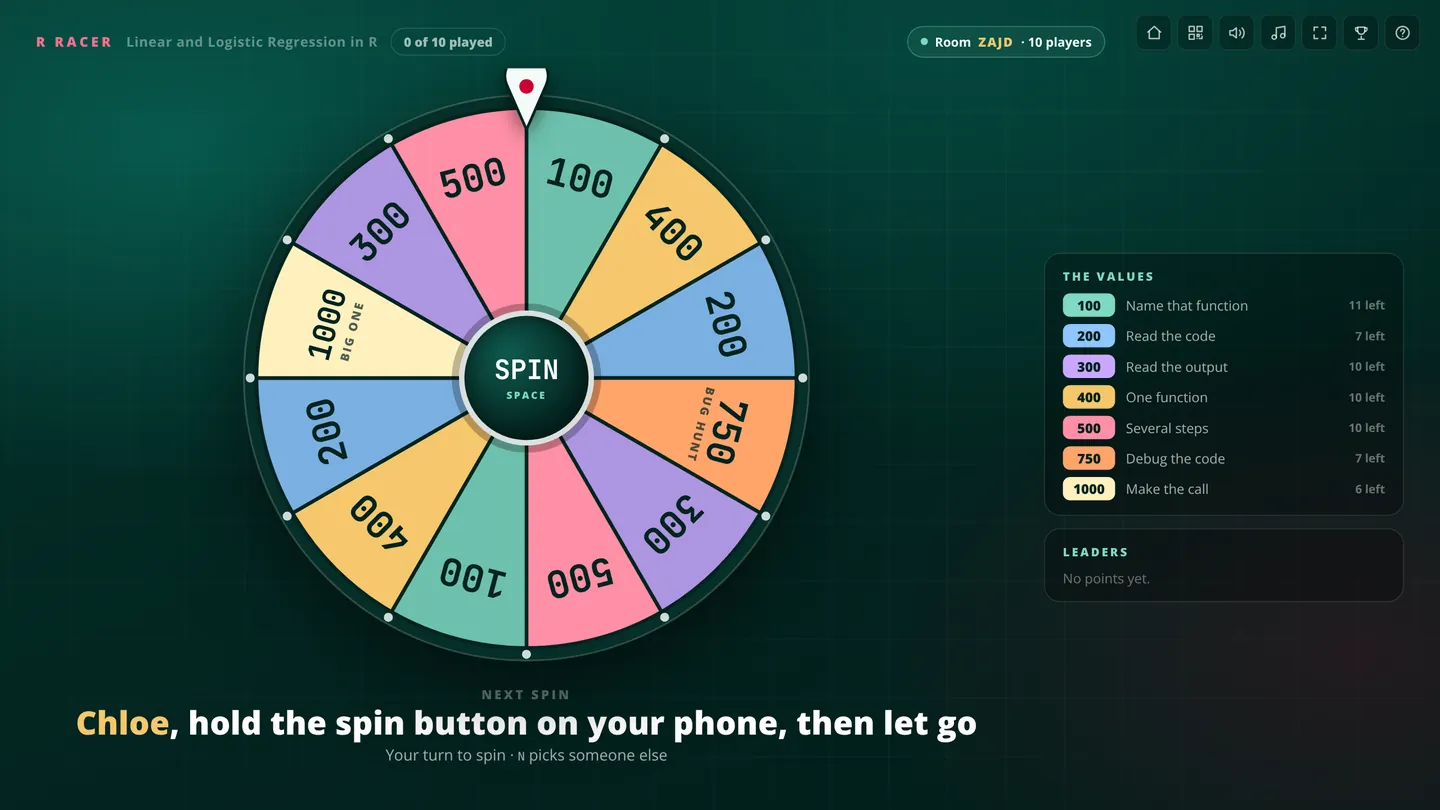
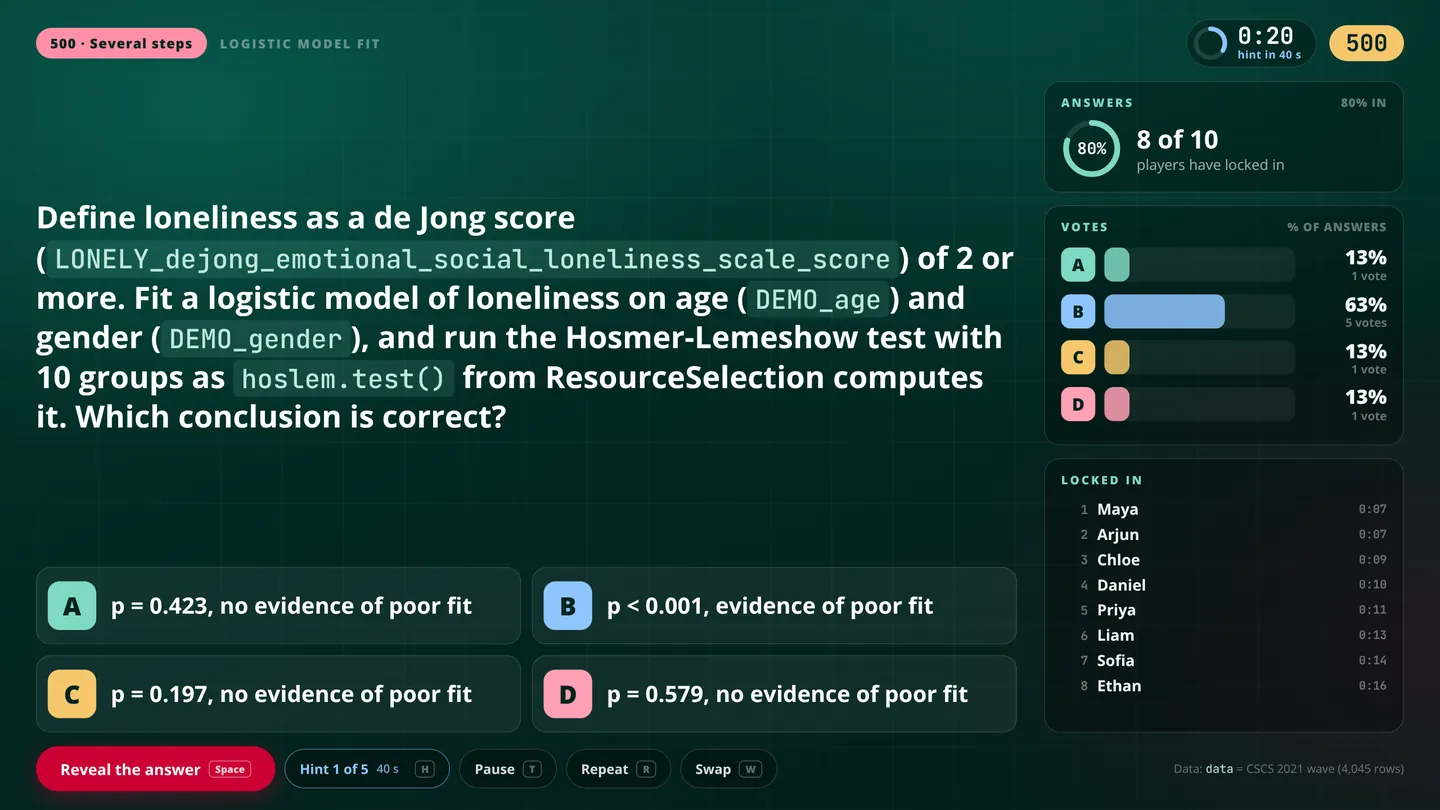
    Racer turns the R walkthroughs into a game. Someone spins the wheel from their phone and everyone gets the same task to solve in their own copy of R. Quick, correct answers earn the most points, wrong ones can cost you, and a hint shows up every minute if the room is stuck.

    Every answer in the game was checked by running the code.

    Open Racer
    The Racer wheel on the big screen, waiting for a student to spin it from their phone A Racer question about a logistic model, with the class's votes coming in
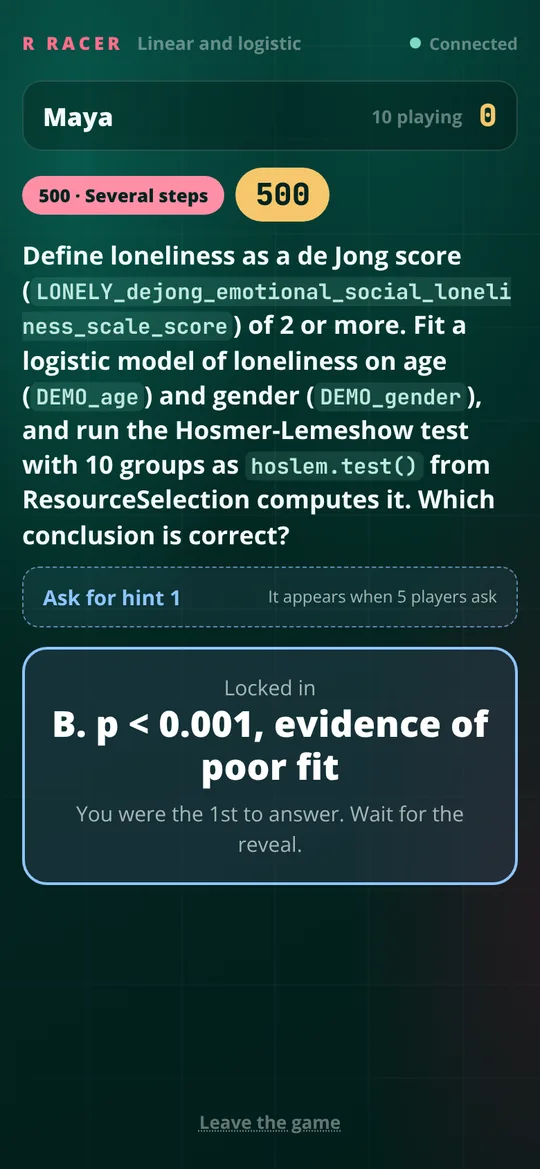
    A student's phone after locking in an answer in Racer
  5. When you want to go deeper

    Take a deeper dive into the thorny issues

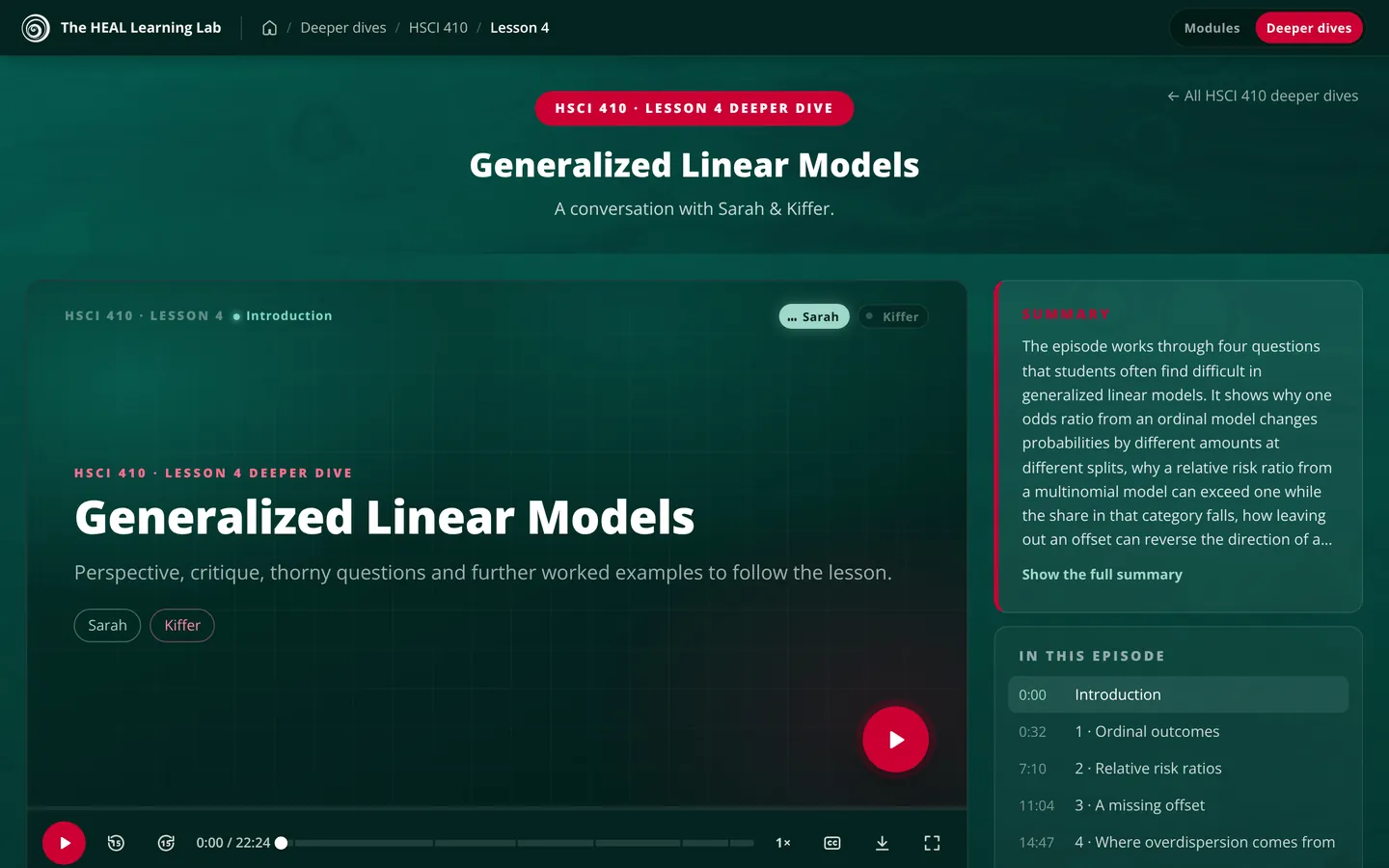
    Every lesson has a deeper dive: a conversation between Sarah and Kiffer about the thorny issues the lesson raises. They push back where the standard advice deserves it and work through extra examples, some of them harder than anything in the module.

    Every episode has chapters, captions and a transcript, so you can listen on a walk or read along at your desk.

    Listen to the HSCI 410 deeper dives
    The deeper dive for generalized linear models, with a summary and a list of chapters
    Hear how this episode starts
  6. The week before the exam

    Play Showdown with the whole class

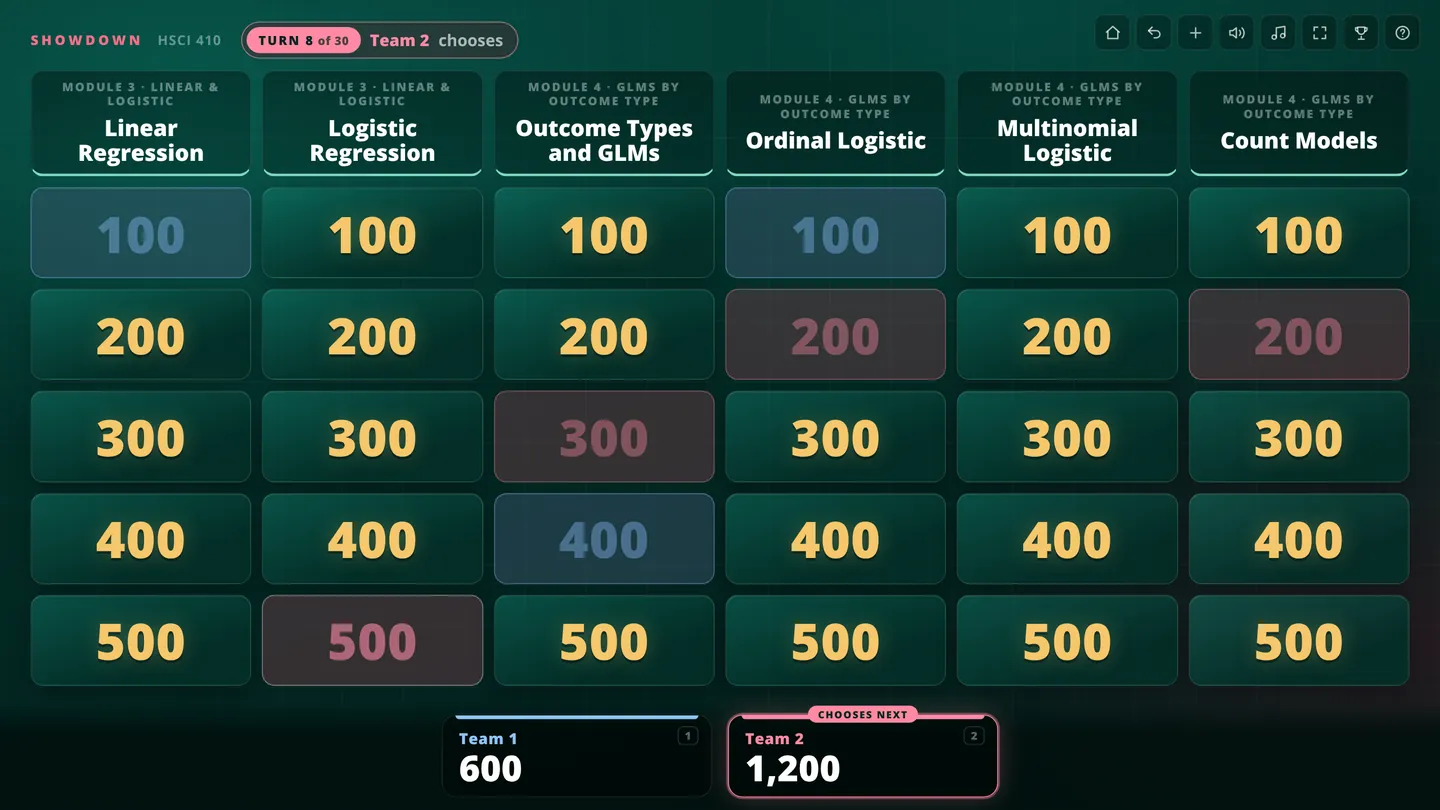
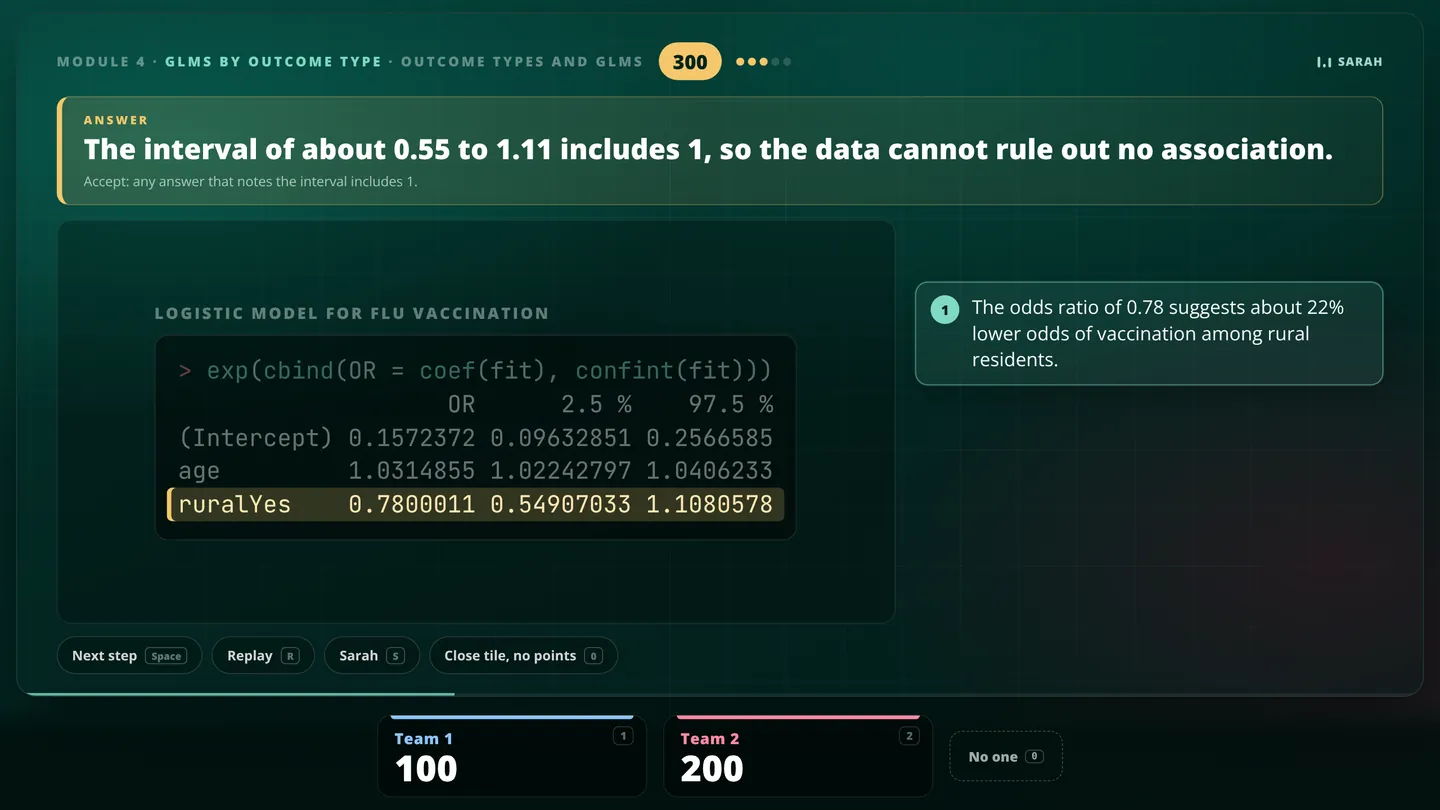
    Showdown turns exam review into a quiz show. The class splits into two teams, players come up two at a time, and the first right answer wins the square. Each answer is followed by a short narrated explanation, so you still learn something when the other team takes the points.

    Every course has its own game, and a question bank you can study from on your own.

    Open Showdown
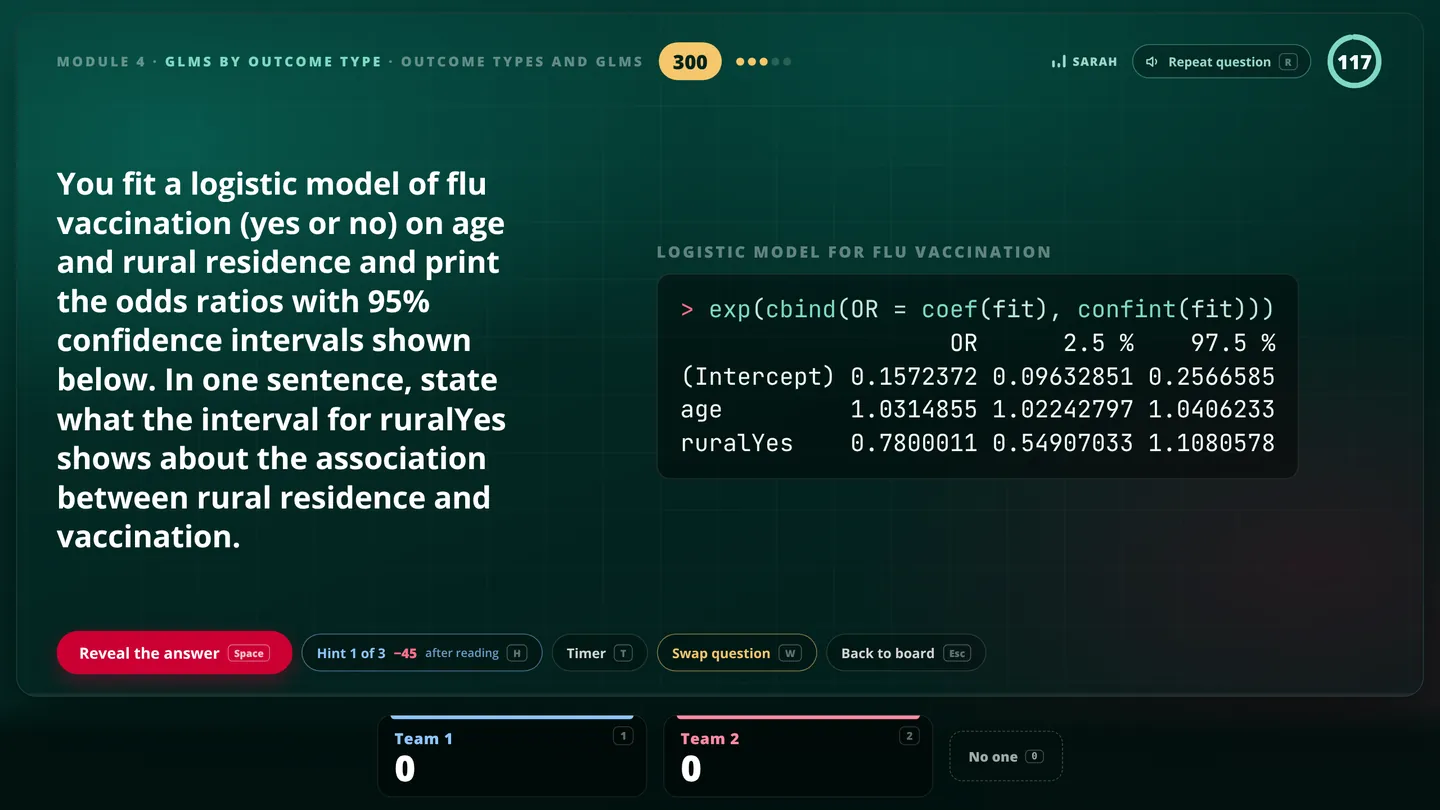
    A Showdown board partway through a game, with squares won by each team A Showdown question asking what a confidence interval for an odds ratio shows The narrated explanation of the answer, with the relevant line of R output highlighted

Find your course

Each course page lines up a lesson’s module, deeper dive and R walkthroughs side by side.

Tell us what isn’t working

Dr. Kiffer G. Card oversees the development of these courses, and a lot of what comes next is decided by the students using them.

If you spot a mistake or wish something existed, use the feedback tab on the side of any page. It goes straight to the course team.

In class and need to join?

Open the join page for whatever is on the screen and type in the four-letter code, or scan the QR code.